
Your own AI, connected to your hosting.
The POT AI connector for hosting lets your own AI assistant read your POT account through the open MCP standard: services, invoices due, tickets, domains, DNS, SSL and game servers. Read-only, by invitation, protected by two-factor sign-in, and works with Claude and ChatGPT.
Ask your AI about your account. It reads the answer itself.
Pay invoice
Ask it this
Tap any question to copy it, then paste it into your AI.
What it can do — and what it never will.
Today
Read-only- Services & status
- Invoices due + pay link
- Support tickets
- Websites & domains
- DNS records (view)
- Disk & bandwidth vs plan
- SSL status & expiry
- Game servers
- Live game status
- Game plan limits
Next
Planned, no dates- Start, stop and restart game servers
- Safe game updates
- Minecraft version switch, with rollback
- Modpack installs, with rollback
- Safe game settings edits
- Turn on free SSL
- Change PHP version
- Create a backup
- Ordinary DNS edits
Never
Out of scope, for good- Paying anything — you get a pay link
- VPN
- Mail contents
- Cloud servers
- Automation workflows
- Cloud storage files
- POT’s internal systems
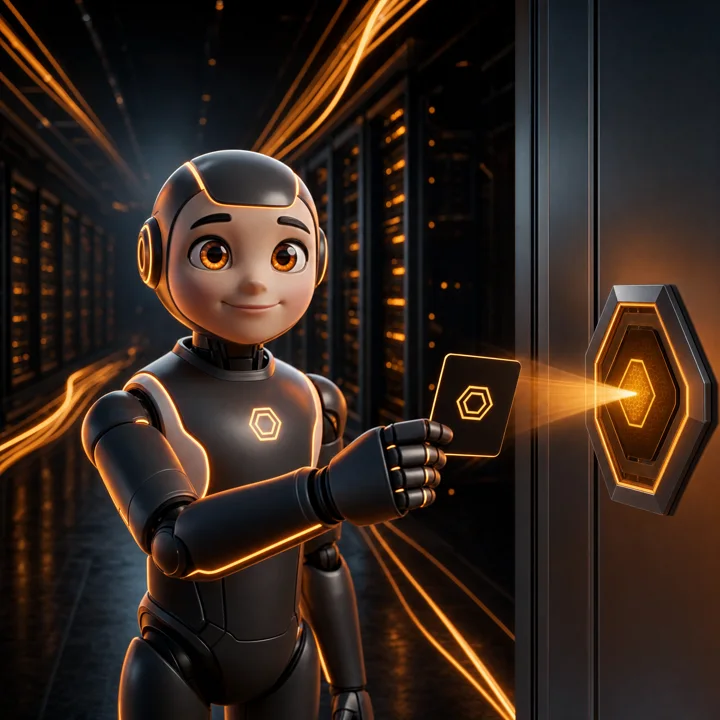
Think of it as a hotel key card.
Your AI gets a guest key: it opens only your doors, only to look, and you can hand it back any time.
Reception checks your ID
A fresh password and two-factor sign-in, every time you connect.
You sign for it
You approve the access yourself, on the consent screen.
Opens only your doors
Each connection is registered to your account with your own signed sign-in, so POT’s systems only answer for connections you approved. Even our own connector can’t open another customer’s door.
Look, don’t touch
Read-only: no changes and no payments.
Checked at every door
Re-checked each time your AI app renews its access, about every 10 minutes while in use — and it ends by itself if your account no longer qualifies.
A guard on every floor
Black Manta, our own security engine, watches every request, and unusual probing is paused automatically.
Hand it back any time
Remove POT from your AI app’s connectors, or ask us to cut it.
Tap any station for the detail.
Ready to connect? Four steps.
Check before you start
Request beta access Ask to join
Open a ticket and we switch the beta on for you.
- Turn on 2FA
Switch on two-factor sign-in in your client area.
- Add POT to Claude
In Claude, click:
Customize›Connectors›+ Add›Add custom connectorName it POT and paste:Continue›Connecthttps://mcp.po-trade.com - Sign in and allow
Your password, then your 2FA code, then allow:
Continue›Login›AllowBefore each lookup, Claude asks:Allow once/Always allow




Already signed in to the client area? We’ll ask you to log out first. That’s on purpose.
Step-by-step guide (Claude & ChatGPT)The AI connector, answered
What is the POT AI connector for hosting?
It is a secure way to connect your own AI assistant to your POT account through the open MCP standard, so it can read information about your services and answer your questions. Today it is a read-only beta, and access is by invitation.
Which AI assistants does it work with?
It works with Claude and ChatGPT: we have tested both, with the same read-only access, sign-in and security. The setup steps on this page use Claude; for ChatGPT, follow our step-by-step guide.
Is my data safe?
Yes, by design: a fresh password and two-factor sign-in for every connection, your own approval, and read-only access. Each connection is registered to your account, so POT’s systems only answer for connections you approved. The connector runs on its own sealed server, your password never reaches the AI, and Black Manta watches every request.
Why do I sign in again every time?
Because a connection is a key to your account. A fresh password and two-factor sign-in prove it’s really you, and the sign-in only completes in the browser window where it started — so a link someone sends you can’t connect their AI to your account.
How do I disconnect?
Remove POT from your AI app — under Connectors in Claude, or Settings → Plugins → POT → Uninstall in ChatGPT — or ask us and we cut it. It also ends by itself if your account stops qualifying, for example if two-factor sign-in is turned off.
How do I join the beta?
Open a ticket in the client area or contact us, and we enable the beta for your account. You need to be the account owner with an active POT service, and two-factor sign-in must be on before you connect.
Your AI. Your control.
With the POT AI connector for hosting, your own AI assistant works with your account, and you stay in charge of what it sees and when.